How to Monitor Plug-in Solar Output: Apps, Meters and Smart Plugs
You plugged in a solar kit. Is it actually working, and is it making what you expected? Without some way to measure, you are guessing. This guide covers the practical ways to monitor plug-in solar output: the maker’s app, your utility’s meter or app, and plug-in energy monitors. It explains what each one can and cannot tell you, how to compare your results with an NREL PVWatts estimate, what a bad reading looks like, and one safety rule about putting a kit through a smart plug. It is based on manufacturer information, NREL, EIA and UL Solutions sources. We have not tested any monitoring product.
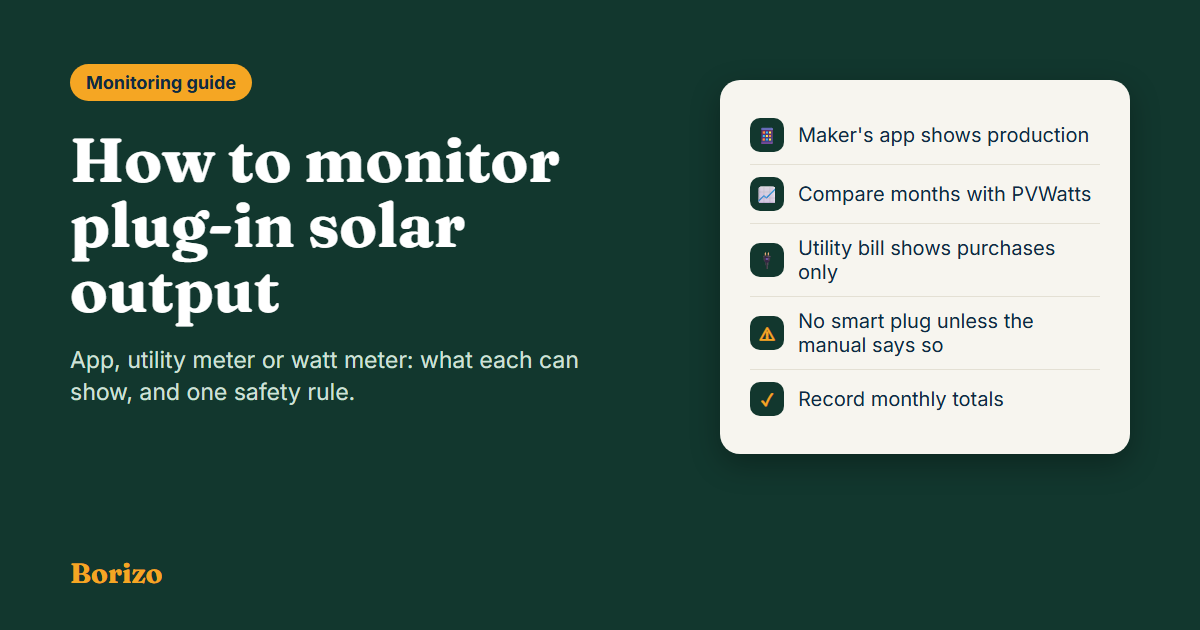
Start with the kit’s own app, which is built to show production. Compare weeks or months, not single days, against a PVWatts estimate for your address. Do not run a solar kit through a smart plug or power strip unless the maker’s manual allows it, and check whether any plug-in meter is designed to measure power flowing the other way.
- The maker’s app is the simplest source. APsystems, for example, says its EZ1 has built-in Bluetooth and Wi-Fi and shows production in its AP EasyPower app.
- Apps are also tied to the warranty in some cases; APsystems says you register through its app to be eligible for the product warranty.
- Use longer periods. One sunny day and one cloudy day look very different; compare a month with a PVWatts monthly figure.
- Your utility bill may not show solar. EIA notes that utility-purchased figures can understate a home’s total use when it has its own solar.
- No smart plug unless the manual says so, and check that any watt meter handles power flowing back.
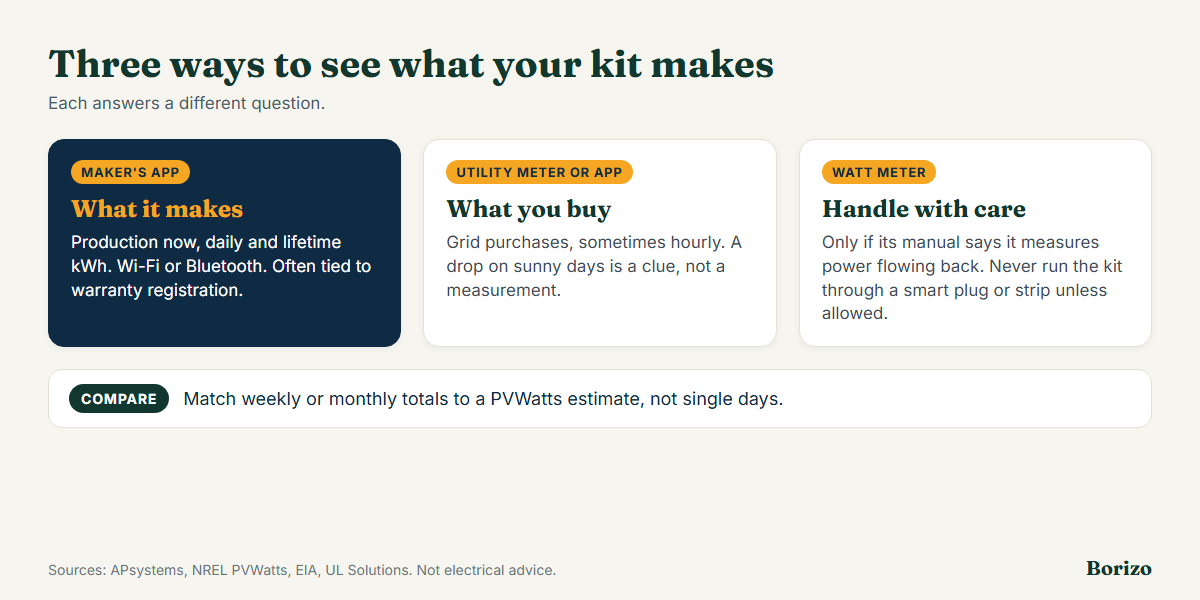
Three ways to see what your kit makes
| Method | What it shows | Limits |
|---|---|---|
| Maker’s app (Wi-Fi or Bluetooth) | Production now, daily and lifetime kWh, often per panel or inverter | Shows what the kit makes, not what you used or saved; needs Wi-Fi or Bluetooth and an account; some features may change by app version |
| Utility meter or utility app | What you buy from the grid, sometimes hourly | Does not show solar production directly. A drop in purchases on sunny days is a clue, not a measurement |
| Plug-in energy monitor or watt meter | Power through one outlet | May not measure reverse flow correctly or at all; see the safety note below |
| PVWatts estimate | Expected output by month | An estimate from typical weather, not your real days |
The maker’s app
Most plug-in kits come with an app. It is the only source that shows production directly. APsystems says the EZ1 has built-in Bluetooth and Wi-Fi and lets you view production in its AP EasyPower app, and says you register through the app to be eligible for the warranty. What to look at:
- Daily kWh and a day’s curve. You should see output rise in the morning, peak around midday for a south-facing panel and fall in the evening. A flat or jagged curve in clear weather can point to shade or a connection issue.
- Peak watts. The peak will usually be below the panels’ rating, as we explain in how much a balcony panel makes per day. It should not exceed the inverter’s AC rating.
- Per-panel data, if the inverter reports it. A big gap between two similar panels suggests one is shaded or dirty.
- Errors and alerts. Note any “grid off” or fault messages, which are expected during an outage; see plug-in solar in a power outage.
Check the manual for how long the app stores data and whether you can export it. If the app or its server disappears someday, you may lose your history, so note monthly totals in a spreadsheet or notebook.
Your utility meter and bill
Your utility’s meter measures what you buy from the grid, and a smart meter or utility app may show it by the hour. It will not show what the kit makes, only the effect: on a sunny afternoon your purchases should fall. Two cautions. First, EIA notes that average-use figures based on utility purchases can understate total use for homes with net-metered solar, so your total electricity use is higher than your bill shows once solar covers part of it. Second, your meter and utility rules decide what happens to any surplus that flows out; we have not found a promise of payment for exported power in the state texts we read, so ask your utility. See is plug-in solar worth it for how surplus affects the math.
Plug-in watt meters and smart plugs: a safety note
Many people reach for a plug-in energy monitor or smart plug. Be careful. These devices are designed to measure and switch power flowing to an appliance, and a solar kit is a source, not a load. We did not find official guidance on using them with plug-in solar, so follow these rules:
- Do not put the kit’s output through a smart plug, power strip or surge protector unless the kit’s manual allows it. Our rule of one kit per outlet and the maker’s cable only applies here too; see which outlet a kit can use.
- Check the monitor’s manual for whether it measures power flowing in both directions and what its current rating is. A device that reads only one direction may show zero, or a misleading number, when power flows back.
- Do not hide the plug. UL Solutions warns that a kit’s plug blades can be live in sunlight, so a device that makes the plug harder to handle safely is a bad idea.
- Ask an electrician about measuring at the panel instead. A professional can fit a meter or clamp that measures the circuit properly.
Compare your results with PVWatts
- Get the estimate. Run PVWatts for your address, size, tilt and direction, and note the monthly kWh.
- Record your own totals. From the app, write down the kWh at the end of each week or month.
- Compare month to month. A large, steady shortfall points to shade, dirt, a poor angle or a setting or fault. One cloudy week does not.
- Adjust the estimate. If you see more shade than PVWatts assumes (its default allowance is 3%), rerun it with a higher shading loss. See how shade affects balcony solar.
- Use the real numbers. Put them into our savings and payback calculator to update your payback.
Signs something is wrong
| What you see | Possible cause | What to do |
|---|---|---|
| No output in clear daylight | Grid is off, an unplugged cable, a tripped GFCI, an inverter fault | Check the app and the manual; if the outlet or plug is warm or damaged, unplug and call an electrician |
| Output far below the estimate for weeks | Shade, dirt, wrong tilt or direction | Re-survey the spot and clean the panels as the manual says |
| Output suddenly stops after a storm | Damaged mount, cable or panel; an outage | Inspect safely; follow the manual; contact the maker |
| Outlet or plug is warm, or you smell burning | A wiring or connection problem | Unplug the kit and call a licensed electrician |
| App will not connect | Wi-Fi or Bluetooth issue, app update | Follow the maker’s support steps |
Frequently asked questions
How do I know if my plug-in solar is working?
Use the maker’s app: it should show output rising during daylight. Compare weekly or monthly totals with a PVWatts estimate for your address rather than judging a single day.
Can I use a smart plug to monitor my kit?
Not unless the kit’s manual says so. We found no official guidance on it, and a solar kit is a source rather than a load, so ask the manufacturer and an electrician first.
Will my electric bill show my solar output?
No, it shows what you bought from the grid. EIA notes that utility purchase figures can understate a home’s total use when it has solar. Use the kit’s app for production.
Why is my output lower than the panel rating?
Ratings are for laboratory conditions. Real output is usually lower because of sun angle, clouds, heat, shade and inverter and system losses; PVWatts’ default system losses alone are 14%.
Sources
- APsystems, EZ1 for consumers (built-in Bluetooth and Wi-Fi, AP EasyPower app, warranty registration through the app), read October 26, 2026.
- NREL, PVWatts Calculator and PVWatts Version 5 Manual (monthly estimates; default losses of 14% including 3% shading).
- US Energy Information Administration, How much electricity does an American home use? (utility purchases may understate total use for homes with solar).
- UL Solutions, “Question Corner,” IAEI Magazine, July 1, 2026 (energized plug blades).

Borizo is an independent guide to plug-in and balcony solar in the US. We track state laws, check certification claims against official sources, and compare kits using published specifications. Laws change often, so every state page shows a “last updated” date and links to its sources. We earn a commission when you buy through our Amazon links, at no extra cost to you. Our content is for information only and is not legal or electrical advice.